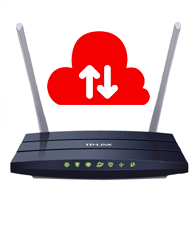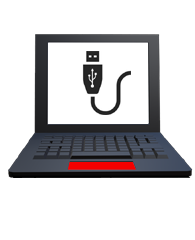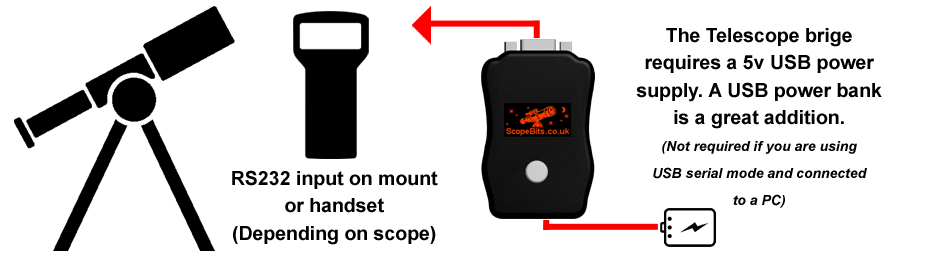
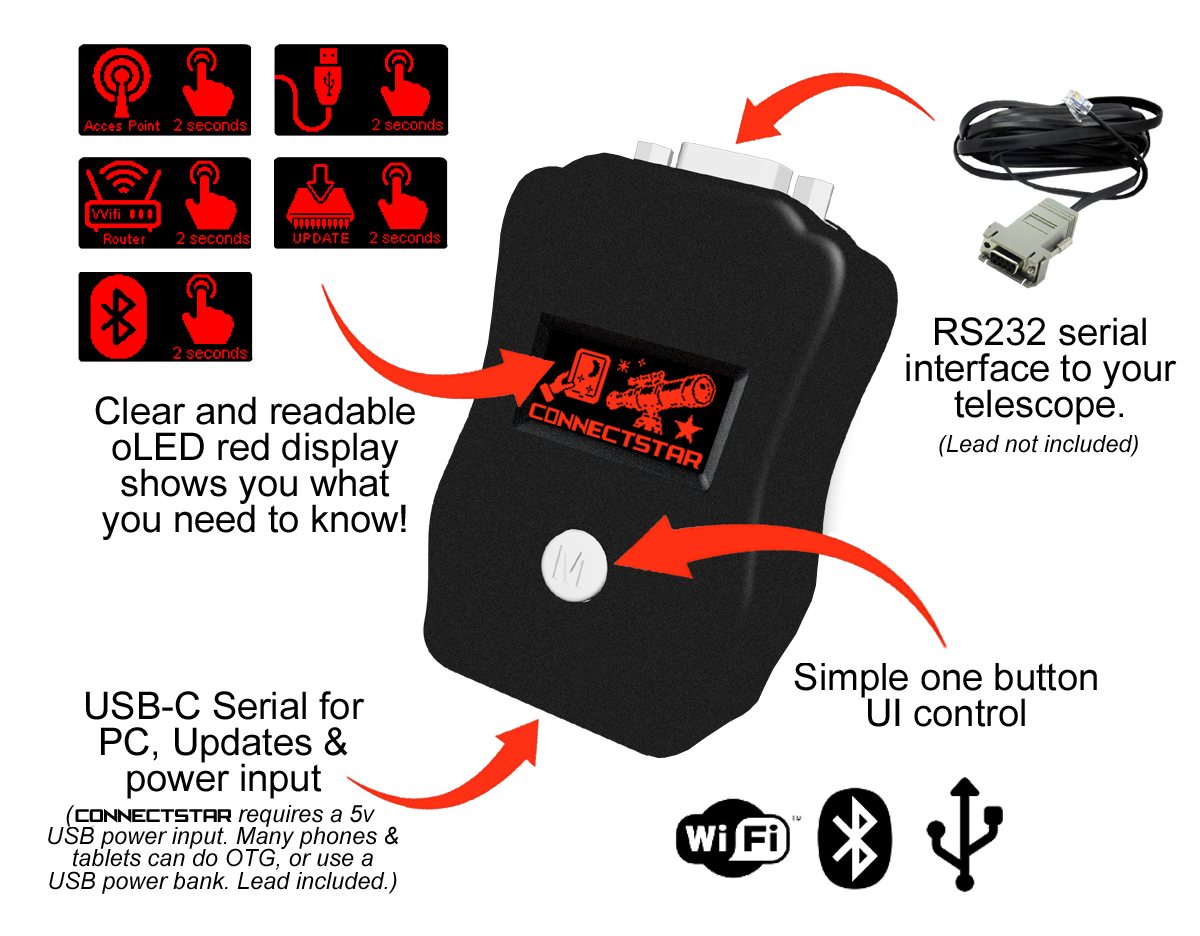
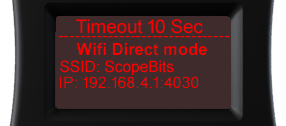
This is the screen you will see depending on what mode you have selected.
Press the M button to cycle through available modes.
(Only modes available are shown)
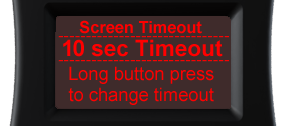
Long press the M button to change the timeout. Use M to cycle through the timeout options. Long press M to confirm your selection
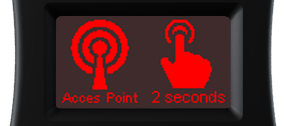
Press the M button for 2 seconds. This mode will create a WiFi network
called "ScopeBits" and assign IP 192.168.4.1 port 4030.
Connect and start SkySafari etc.
Example SkySafari guide
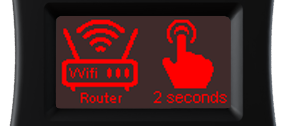
Creates WiFi network "ScopeBits_connect".
Connect and go to 192.168.4.1 in a browser.
See this guide
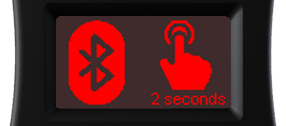
Creates Bluetooth service "ScopeBits".
Example SkySafari guide
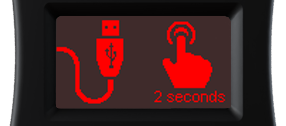
Press the M button for 2 seconds. This mode will start a USB serial port @9600 baud. Connect CONNECTSTAR to a computer using the USB-C cable.
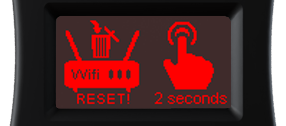
Press the M button for 2 seconds. This will erase the router settings and return to Access Point mode.
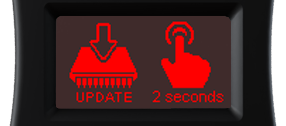
Press the M button for 2 seconds. Only available in Router mode.
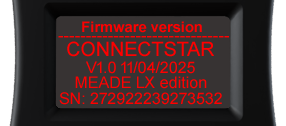
This screen shows firmware + serial number.