Please select your telescope platform
This is so the we can show you the relevant information.
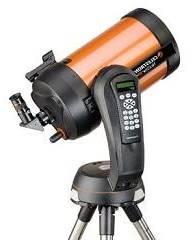

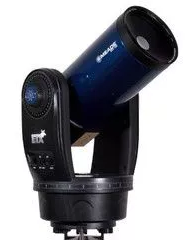
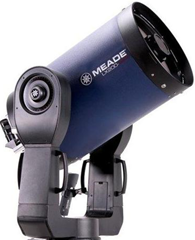




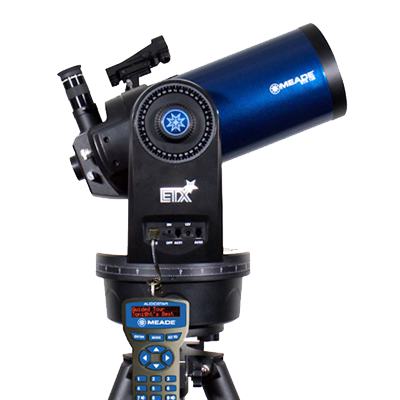
ETX-60, ETX-70, ETX-80, ETX-90, ETX-105, ETX-125 and ETX Observer models.
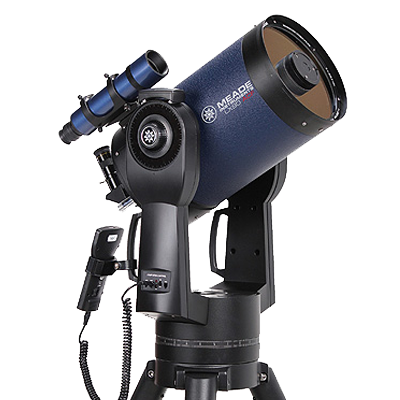
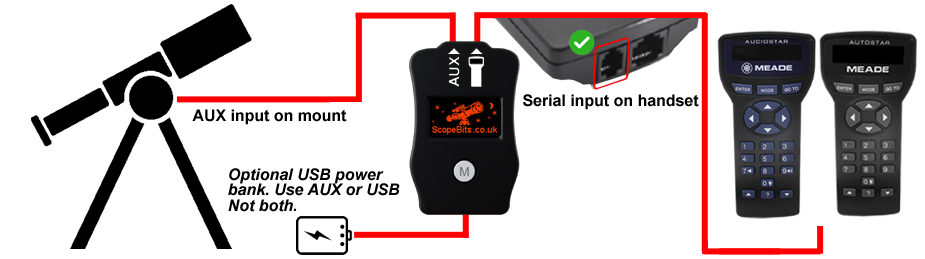
LX90 models using the AutoStar or AudioStar handset system.
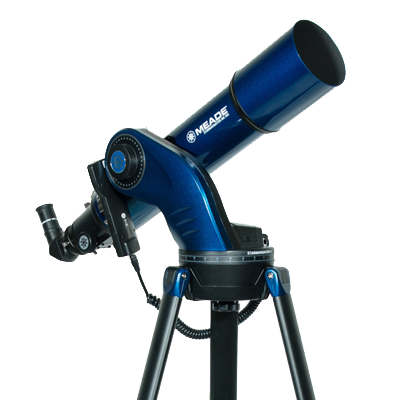
StarNavigator and StarNavigator NG models.
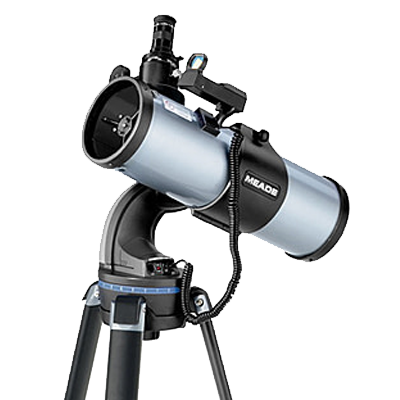
DS and DSX telescope models.
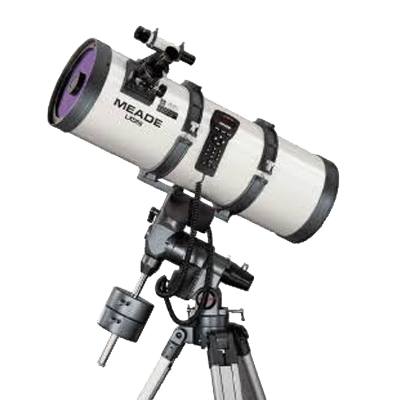
LXD55 and LXD75 mounts and telescope packages.
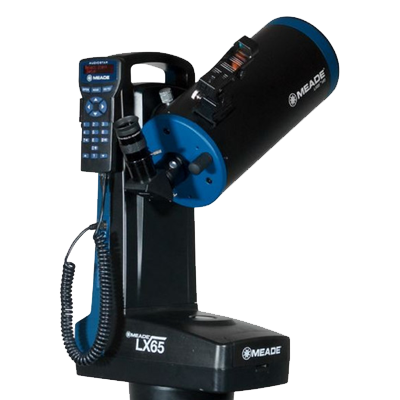
LX65 telescope and mount systems.
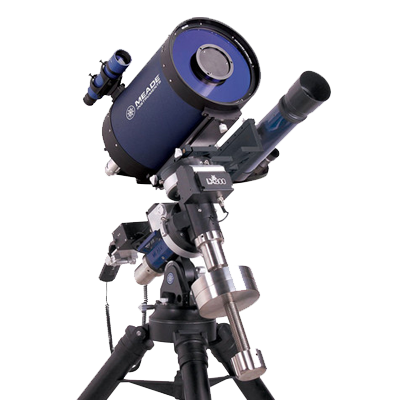
LX80 mount and telescope packages.
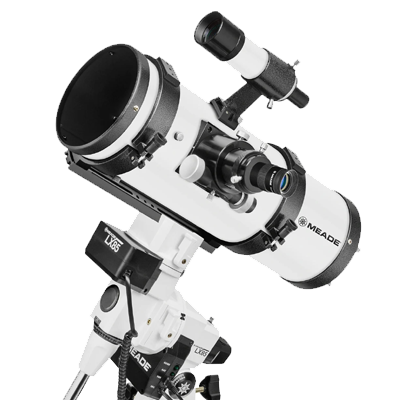
LX85 mounts and telescope packages.


This is the screen you will see depending on what mode you have selected.
Press the M button to cycle through available modes.
(Only modes available are shown)

Move your scope using the Joystick. This screen will show you the motion etc.
See this guide
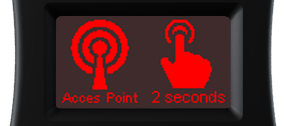
Press the M button for 2 seconds. This mode will create a WiFi network
called "ScopeBits" and assign IP 192.168.4.1 port 4030.
Connect and start SkySafari etc.
Example SkySafari guide
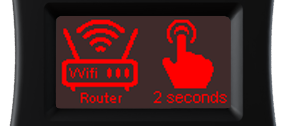
Creates WiFi network "ScopeBits_connect".
Connect and go to 192.168.4.1 in a browser.
See this guide
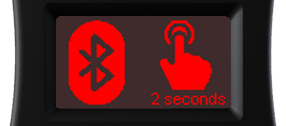
Creates Bluetooth service "ScopeBits".
Example SkySafari guide
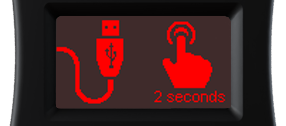
Press the M button for 2 seconds. This mode will start a USB serial port @9600 baud. Connect CONNECTSTAR to a computer using the USB-C cable.
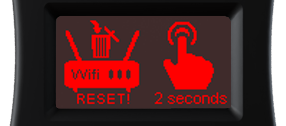
Press the M button for 2 seconds. This will erase the router settings and return to Access Point mode.
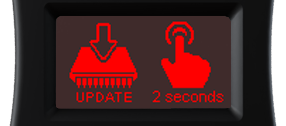
Press the M button for 2 seconds. Only available in Router mode.
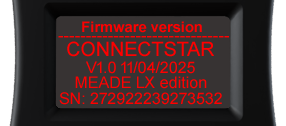
This screen shows firmware + serial number.