APP connection

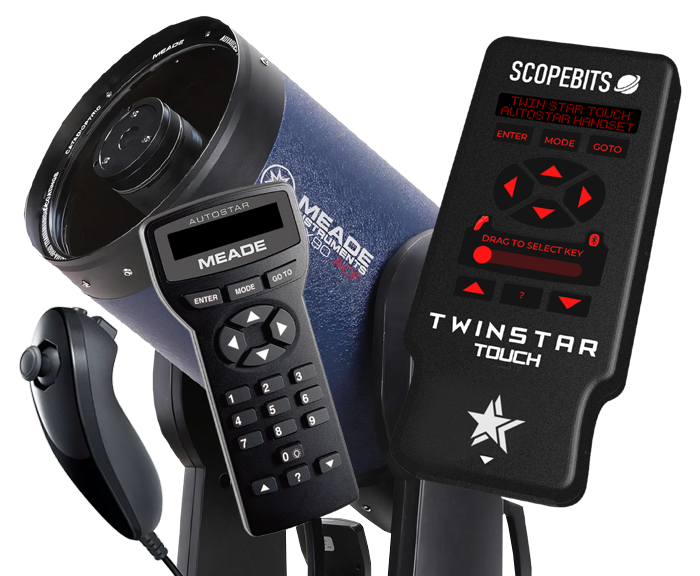
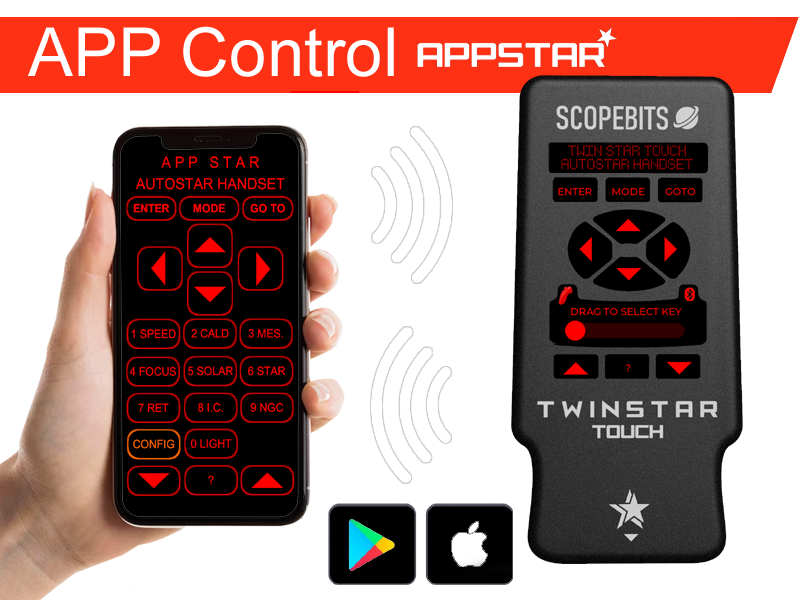
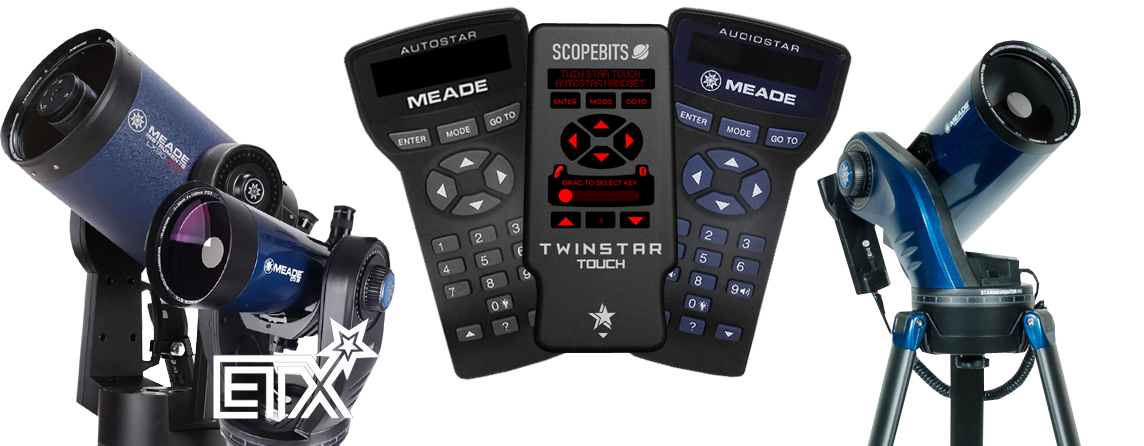
TWINSTAR Touch is a sleek, high-tech companion handset with a responsive touchscreen and a clear, night-friendly display that's easy to see and use in the dark. Designed to work alongside your Autostar or Audiostar system, it offers intuitive control, modern electronics, and optional joystick control. Use it hands-on, or pair it with the FREE ScopeBits app on Android or iOS for wireless control. Refined, reliable, and designed for modern observing, TWINSTAR Touch fits naturally into your setup.
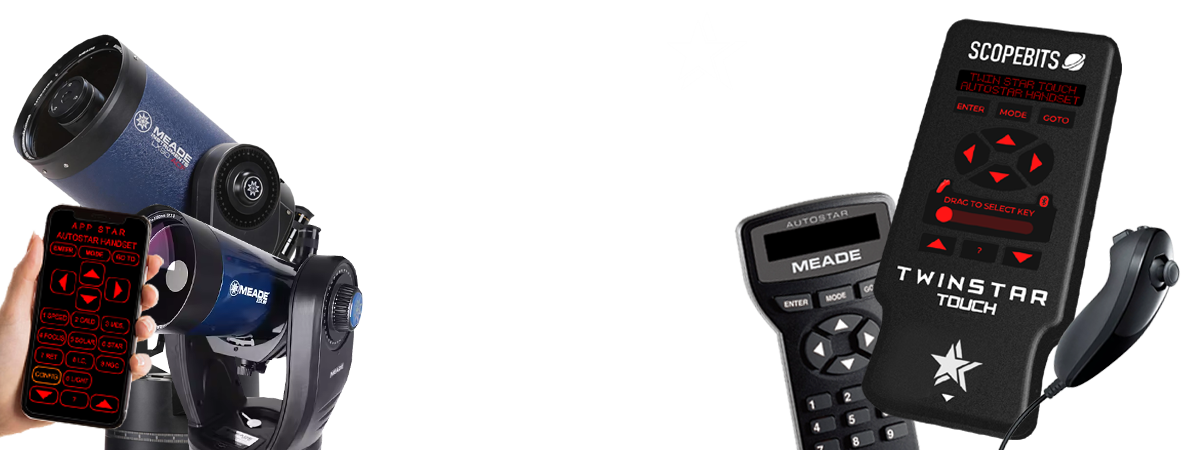
TWINSTAR TOUCH demonstration video
This short demonstration video shows a brief overview of TWINSTAR TOUCH in action. Covers main AUTOSTAR compatibility, Joystick control, and APP control. See below on this page for further details of all capabilities.
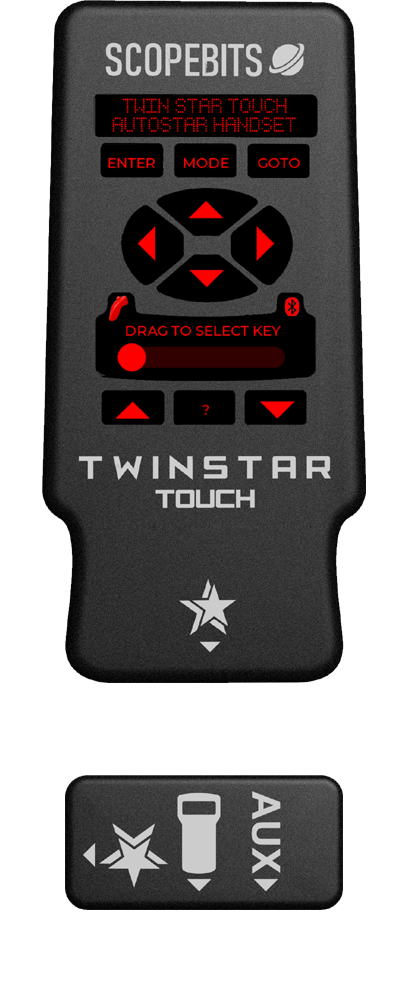

Designed as a compliment to your existing Autostar handset. TWINSTAR TOUCH offers the same control and display as the original.

Features fast & slow slewing. Great for easily controlling your scope when looking through the eyepiece.

Illuminated buttons appear thought the front facia, still allowing tactile control.

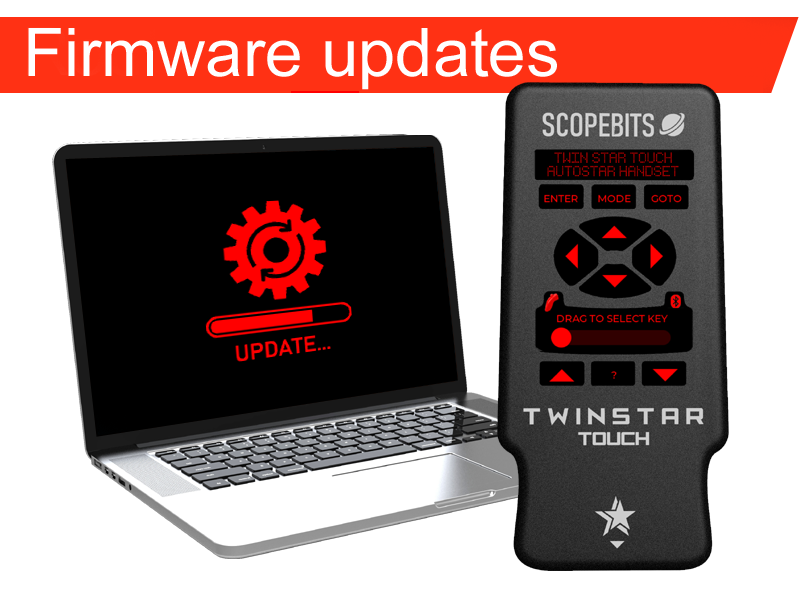
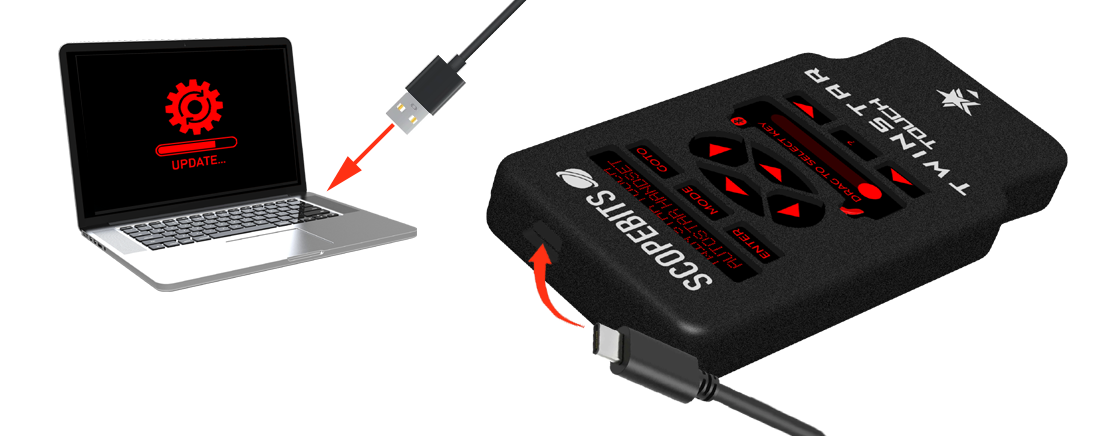
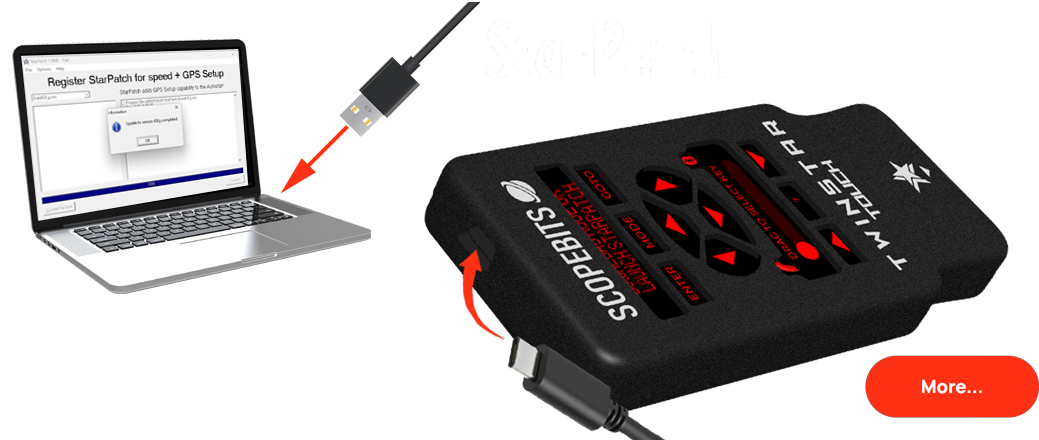
TWINSTAR TOUCH is easily updatable with downloaded firmware, making it future proof!
TWINSTAR Overview
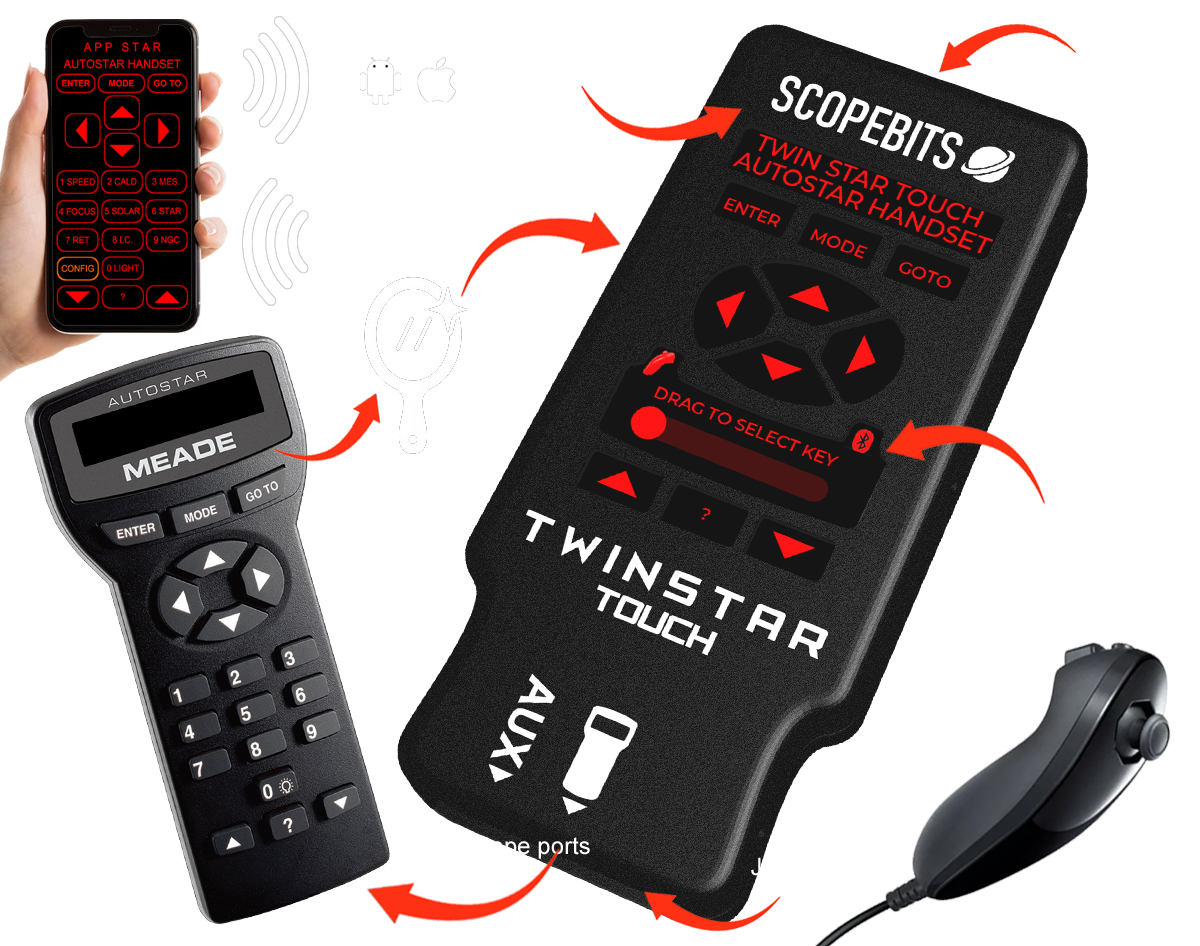
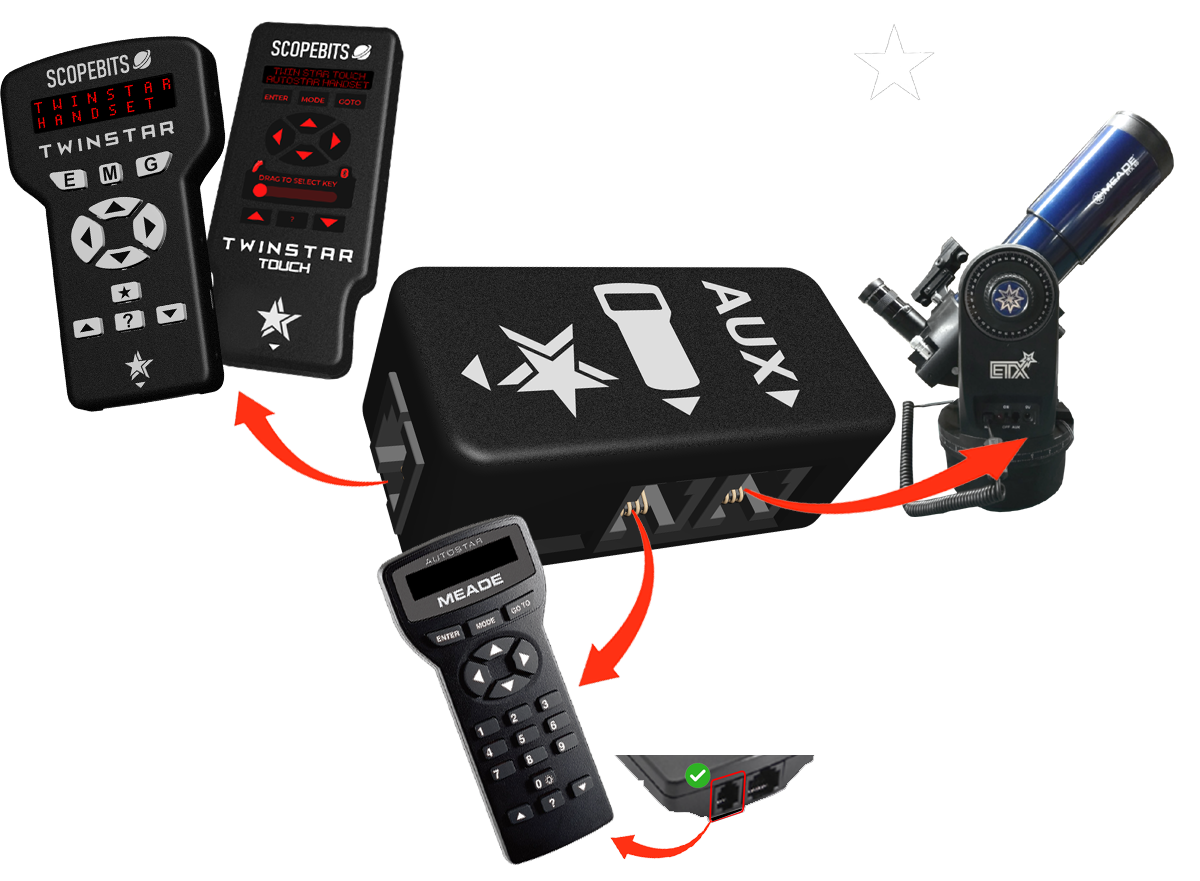
TWINSTAR TOUCH connection
TWINSTAR TOUCH stays neat and simple thanks to the ONESTAR interface, bringing power and data together in one cable.
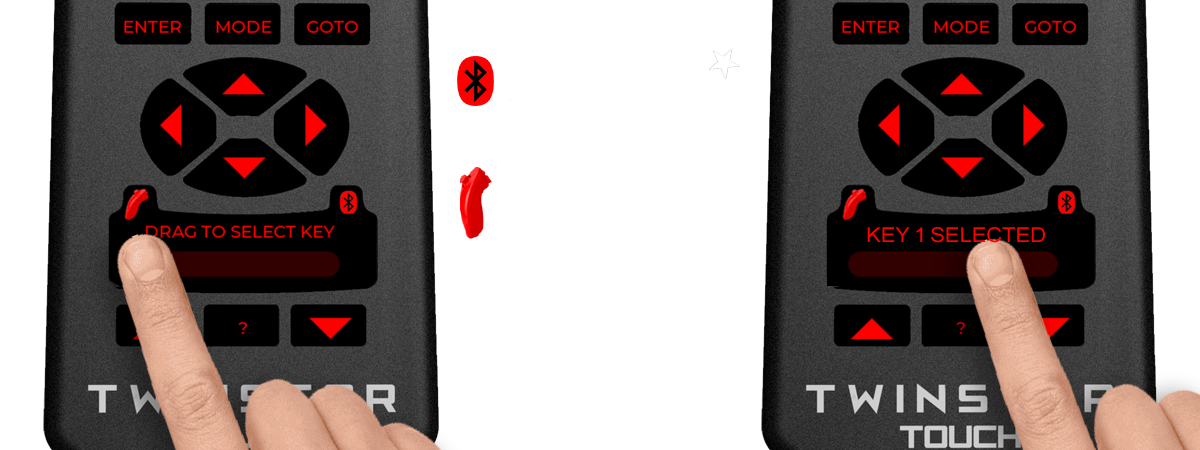
TWINSTAR TOUCH numeric keys
TWINSTAR TOUCH StarPatch handset firmware
Find out more about the features and functions...
Use the gudes and information pages below to find out more about this products features and connections etc.