NAVSTAR

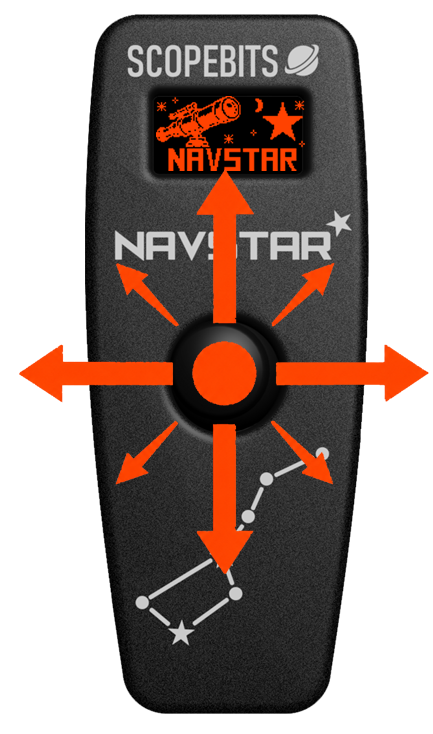
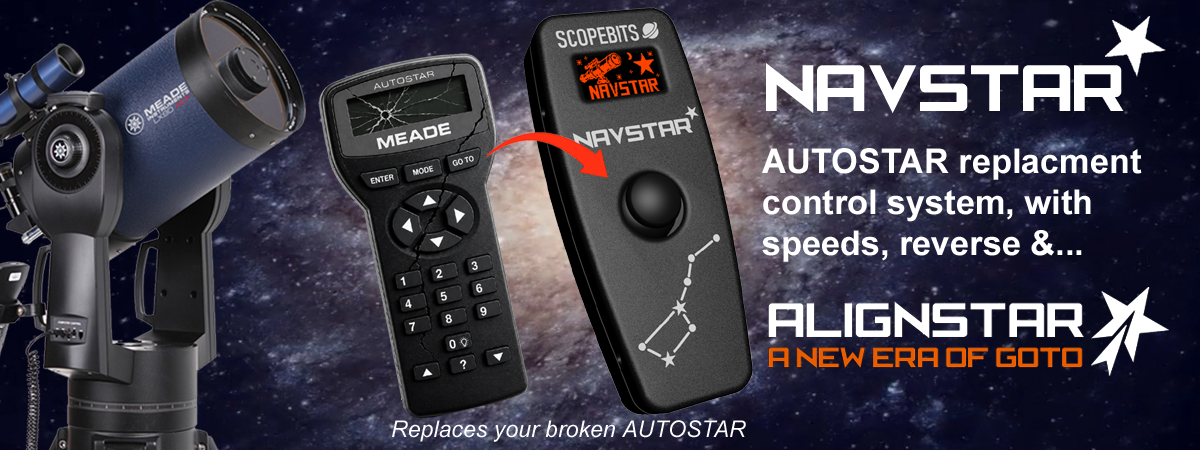
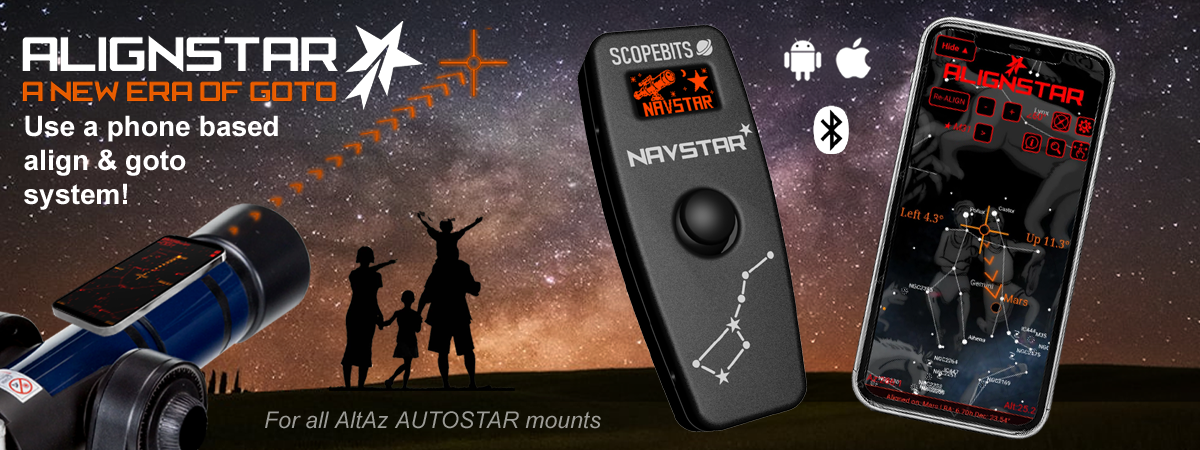
NAVSTAR is a modern replacement for your Autostar or Audiostar handset, designed to make your classic Meade telescope faster, simpler and more enjoyable to use. Responsive controls and intuitive joystick operation make slewing your telescope quicker and easier, especially in the dark. Pair NAVSTAR with ALIGNSTAR on your Android or iOS phone for fast, simple alignment and GoTo control - less time setting up, more time exploring the night sky.
 

Quickly jump to an information section using these buttons

NAVSTAR demo video

This short demonstration video shows a brief overview of NAVSTAR in action. Covers main AUTOSTAR compatibility, Joystick control, and APP control. See below on this page for further details of all capabilities.


NAVSTAR unit overview

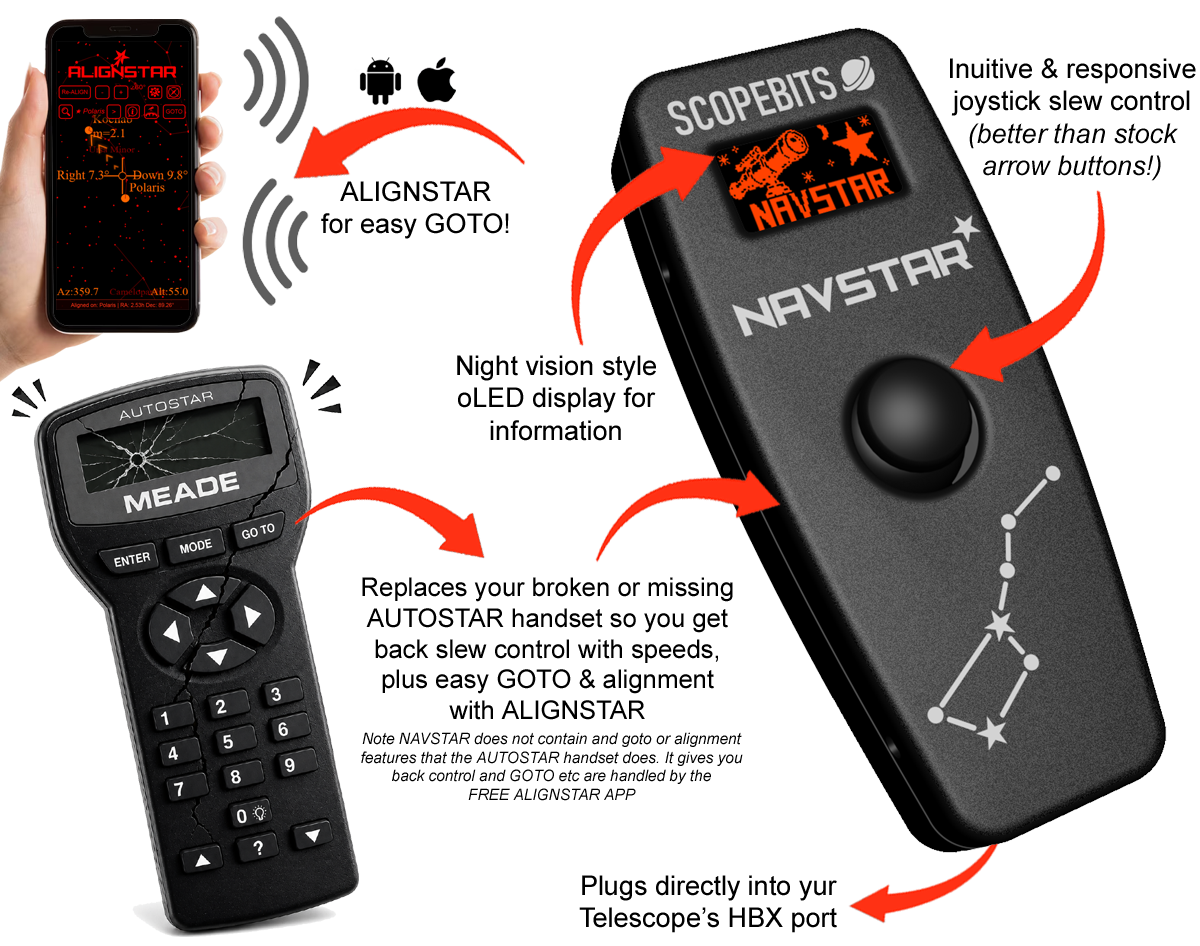
NAVSTAR replaces a broken or missing AUTOSTAR handset, getting your telescope back under the stars with fast, intuitive joystick control. Slewing and navigating is quicker and far more responsive than the original button-based handset.

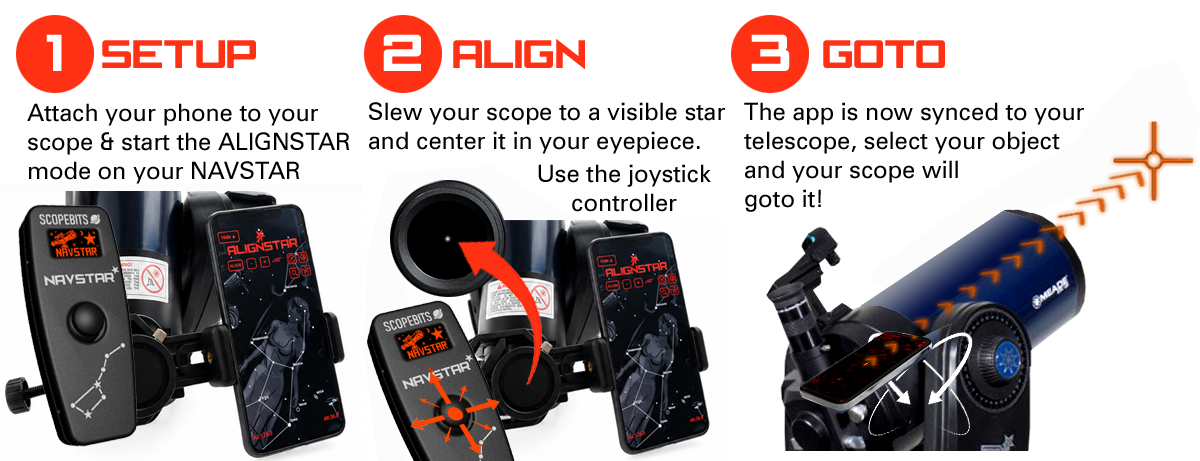
Rather than recreating the old-fashioned alignment and GoTo menus on the handset, NAVSTAR takes a more modern approach. Pair it with the FREE ALIGNSTAR app on Android or iOS for simple easy visual alignment and effortless GoTo.

NAVSTAR - what we think MEADE would be building today.

NAVSTAR compatibility

Any MEADE model that uses the AUTOSTAR or AUDIOSTAR handset (Not AUTOSTAR 2/3) should be compatible with NAVSTAR.
Only AltAz mounts are supported for the ALIGNSTAR feature.
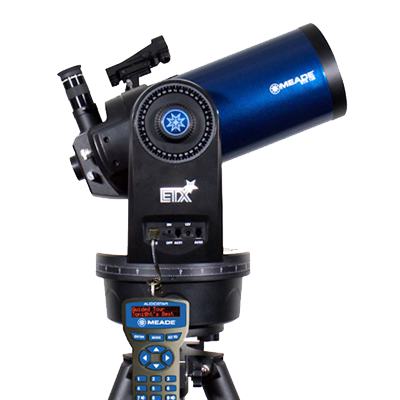
Meade ETX telescope

Meade ETX Series

Compatible ALIGNSTAR

ETX-60, ETX-70, ETX-80, ETX-90, ETX-105, ETX-125 and ETX Observer models.
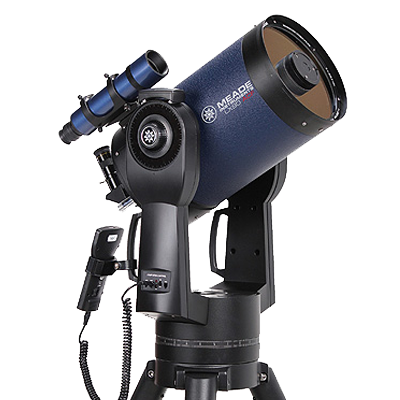
Meade LX90 telescope

Meade LX90

Compatible ALIGNSTAR

LX90 models using the AutoStar or AudioStar handset system.
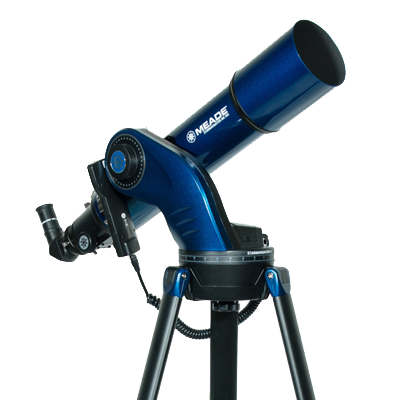
Meade StarNavigator telescope

StarNavigator

Compatible ALIGNSTAR

StarNavigator and StarNavigator NG models.
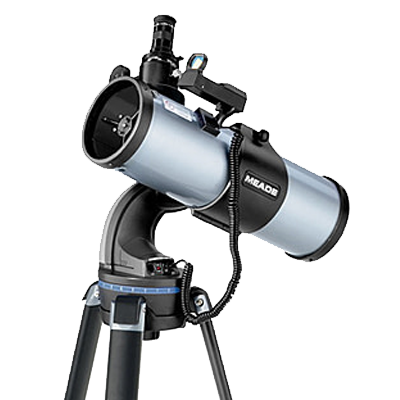
Meade DS telescope

Meade DS/DSX Series

Compatible ALIGNSTAR

DS and DSX telescope models.

Meade LXD telescope

Meade LXD Series

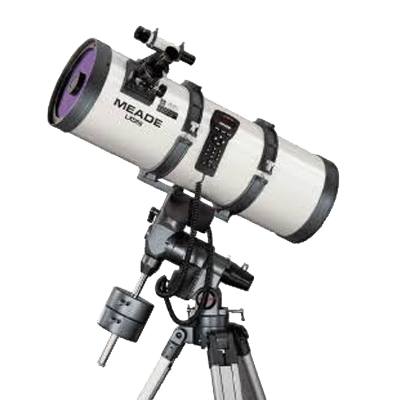
Compatible ALIGNSTAR

LXD55 and LXD75 mounts and telescope packages.
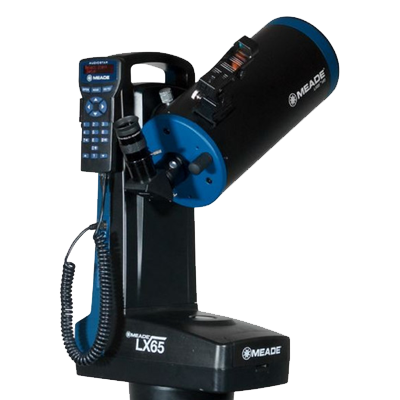
Meade LX65 telescope

Meade LX65

Compatible ALIGNSTAR

LX65 telescope and mount systems.

Meade LX80 telescope

Meade LX80

Compatible ALIGNSTAR

LX80 mount and telescope packages.

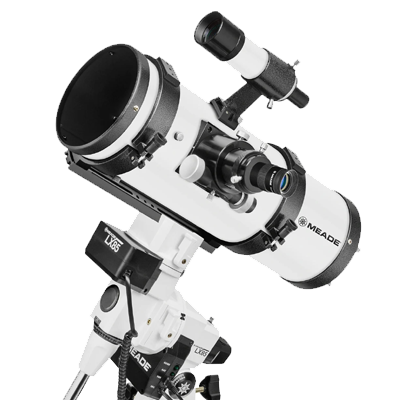
Meade LX85 telescope

Meade LX85

Compatible ALIGNSTAR

LX85 mounts and telescope packages.

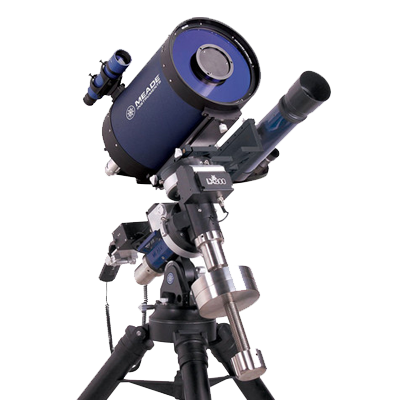
Meade LX200, LS telescope

Meade LX200, LS

Compatible ALIGNSTAR

See CLICKSTAR or TOUCHSTAR for these

Not sure if your telescope is compatible?

NAVSTAR is designed to replace Meade AutoStar and AudioStar handsets. It is not compatible with AutoStar II or AutoStar III telescope systems. If you are unsure, contact us with your telescope model before ordering.

CONNECTION

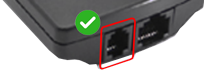
NAVSTAR simply plugs into your Telescope's HBX port. No additional leads, or adpters needed. You can even use your existing HBX lead if you still have it.

User Interface

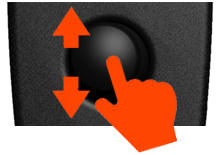
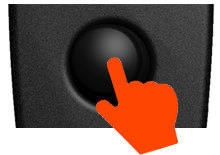
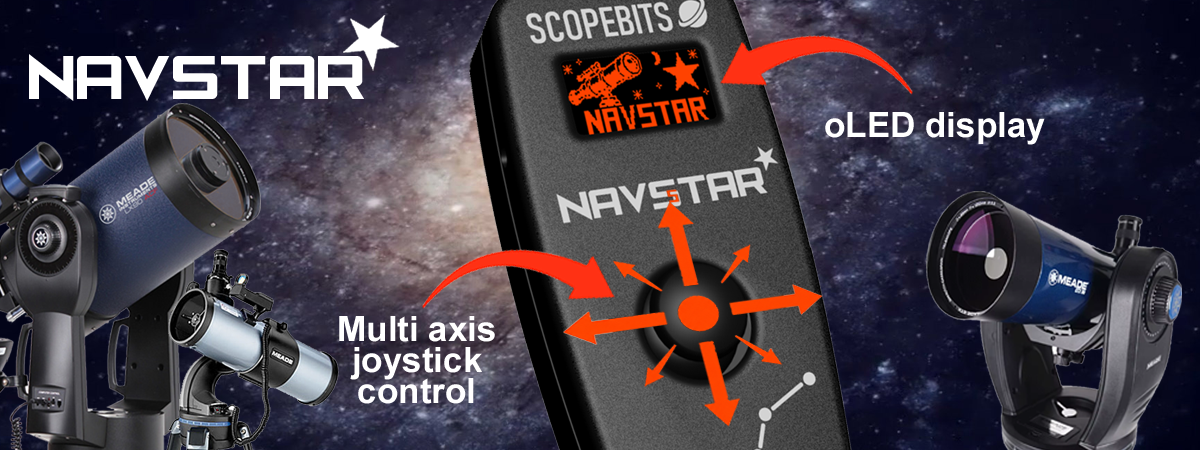
To keep things simple, gone are the multitude of keys found on the original AUTOSTAR. NAVSTAR puts everything under your thumb with intuitive joystick control. Slew your telescope smoothly in any direction, then simply click the joystick to change speed. Fast, responsive and wonderfully easy to use - especially when you're trying to find those arrow buttons in the dark!

Using the Phone bracket

To easily mount your phone onto your telescope, you can use the optional phone bracket system. There are many ways to mount your phone including custom 3D printed brackets and even rubber bands! The bracket offered by ScopeBits has been tested on all ETX, LX90 and DS2000 scopes.
Below is a quick guide on attaching the bracket to your scope.


Using the ALIGNSTAR APP

ALIGNSTAR helps you align your telescope quickly and accurately using your smartphone's sensors to guide you to alignment stars.
ALIGNSTAR Features
Below is a quick guide on using the ALIGNSTAR app. The APP is the same on iOS and Android.


ALIGNSTAR will automatically move your scope to sky objects. This all depends on your initial Alignment star and the quality of your phone's gyro and compass sensors. Much like the stock Meade system goto objects will be in the general area of sky but not always dead center in the eye piece. Occasionally re-aligning will tighten up the goto feature.

How to update the firmware

You can update your NAVSTAR using the USB online updater.


Reset NAVSTAR

On the back of your NAVSTAR, there's a small hole on the back near the USB-C input. Use a paper clip or similar small object to reset and restart your NAVSTAR.


FAQ

Here are some of the frequently asked questions.

Check these as they may answer any support questions
Yes it gets you back motor control so you can slew your scope at different speeds, using the new inutitive faster and more rsponsive joystick. It does not contain any goto or alignment features, they are handled by ALIGNSTAR.
NAVSTAR is designed to work with compatible Meade Autostar mounts that use the popular 497 and Audiostar models. Always check the compatibility information on the product page before purchasing. The most important feature needed is the RS232 socket on your handset. It is the one next to where the handset lead that plugs into the mount goes.
NAVSTAR connects to your mount via the HBX port.
Yes. NAVSTAR gets you back slew and motion controls.
No additional power supply is required. NAVSTAR is powered through the telescope mount connection. Ensure if running on batteries that they are fresh. Low batteries can cause the NAVSTAR to not start, and the mount to slew slowly.
Yes. Firmware updates can be installed through the ScopeBits firmware update tools available on the support website. Updating firmware ensures the latest features and compatibility improvements. Make sure you're using Google Chrome or Microsoft Edge on desktop. Mobile browsers and Safari are not supported for WebUSB/WebSerial updates. See this guide.
AlIGNSTAR will attempt to get you close to the desired object. Much like the stock Meade handset objects may not be dead center. You will however be in the area of the sky where the object is. Lots depends on your phones accuracy with it's compass and gyro.
Press the joystick button, select reverse and choose to reverse the axis that is incorrect.
Press the joystick button, select App speed and choose slower speeds for near and center. This feature is there as scopes can move at different final speeds. Backlast or worn gears can compound the issue. Just select some new speeds and test.
Not in this version of ALIGNSTAR with NAVSTAR. This is because NAVSTAR has no internal coordinate system to pass data to and from SkySafari. The stand alone ALIGHSTAR that uses the stock handset can do this. See this page.
This is almost certainly a power issue. Ensure if running on batteries that they are fresh. Low batteries can cause the NAVSTAR to not start properly.

Customer reviews

Newly released, so no reviews yet!.

Also check out the gallery to see customer images of ScopeBits gear in action.


BUY

COMING SOON!

Copyright 2026 ScopeBits.